
Find Similar Images of an Image Using Google Search

Software Architecture, DevOps & System Design
Suppose you are having an image of a person that you don't know, but want to know about. Before your friends can help you to identify that, you can have a try here, with the Search giant Google.
Generally people search images by typing relevant text, and then look for results. But you can do reverse also. Google Image Search have the capability of finding other similar matching images of an image that you supply. This can also help you to find out content related to that particular picture across the Web with a click.
Go to images.google.com and click the camera icon placed at extreme right of the search box.
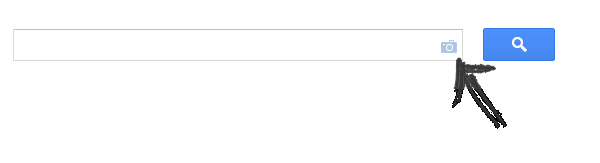
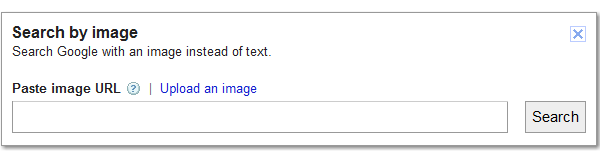
This will open a box to put the image URL, or an option for uploading the reference file for search.
A Shortcut Way
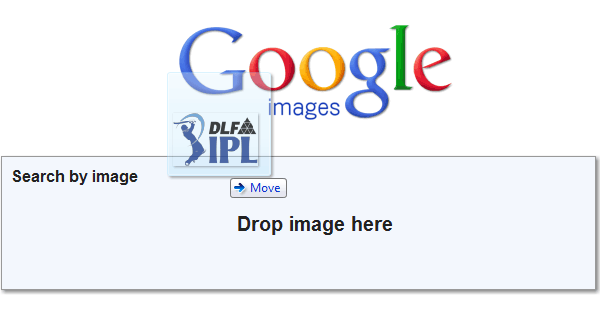
With the power of Java Script, Web can also accept your files via Drag & Drop action. This is the easiest way to directly throw the file and search. This is much faster than using the "Browse" button.
One Thing to Mind
Be careful while uploading your personal pictures, because when you submit an image, it can be stored by Google and treated in accordance with their policy.

Sandeep Kumar
Founder & Software Architect | Author of “The Operational State Control Plane”
Electronics engineer, software architect, and author of The Operational State Control Plane. Specializing in system design, distributed resilience, and building scalable tech solutions with real-world engineering insights.