
Is your beautiful Shopify store leaking customers because it feels sluggish? Speed isn’t just a technical metric, it’s the core of user experience (UX). In this post, I’m breaking down the top 5 apps I recommend for D2C brands, particularly image and media heavy fashion and beauty stores, to speed things up and boost conversions. I’ll cover the established giants and introduce a game-changing newcomer that predicts what your customers want before they even click.
Key Takeaways:
- Speed Is UX: For image and media heavy D2C brands (fashion, beauty), load time is the single biggest factor influencing the user’s first impression.
- The Mobile Reality: Most of your traffic is on mobile, often on shaky networks. If you aren’t optimizing for that reality, you are actively losing money.
- Optimization vs. Prediction: Most apps focus on compressing what you already have. The newest wave of tech (like predictive prefetching) focuses on loading what the user is about to do.
- No Silver Bullet: There isn’t one app to rule them all. The best strategy often involves identifying top issue specific for your store and a combination of tools handling different parts of the speed puzzle.
The “Beautiful Store, Terrible Bounce Rate” Paradox
Guys, let’s be real for a second.
I know how much time you spent picking that Shopify theme. I know how much money went into those high-resolution lifestyle photo shoots for your new summer collection or that skincare line launch. Your store looks incredible.
But then you look at your Shopify analytics dashboard, and your heart sinks a little. The traffic is there (thanks to those expensive Meta ads), but the bounce rate is high, and the conversion rate is stuck.
Why?
Here is the harsh truth I’ve learned working in tech and e-commerce: Your customers don’t care how pretty your site is if they have to wait five seconds to see it.
In the DTC world, especially in visually driven niches like apparel, footwear, cosmetics, and skincare, we have a massive problem. We need high-quality imagery to sell the product, but those images are heavy. They weigh down the site.
When a potential customer is scrolling on their phone while commuting to office or using spotty 4G data, that beautiful 2MB hero image feels like a brick wall. They see a white screen or a spinning wheel, they get frustrated, and they bounce back to Instagram. Opportunity lost.
Improving User Experience (UX) on Shopify isn’t just about moving buttons around; it’s fundamentally about speed and responsiveness.
I’ve tested a ton of apps in the Shopify ecosystem designed to fix this. Some are snake oil, some are decent, and a few are absolutely essential. Today, I want to share my top 5 picks for optimizing UX and speed.
I’m including some of the heavy hitters you’ve probably heard of, plus one new app that I’m personally involved with that takes a completely different approach to speed.
Let’s dive in.
Why The “Perception” of Speed Matters More Than Scores
Before we get to the apps, we need to align on something. You might be obsessed with your Google PageSpeed Insights score. It’s a useful metric, sure.
But your customers aren’t looking at a Lighthouse score. They are experiencing a feeling.
Does the site feel snappy? When they tap a product, does it load instantly, or is there that agonizing half-second delay?
Google’s own research has shown that as page load time goes from 1 second to 3 seconds, the probability of bounce increases by 32%. Extend that to 5 seconds, and the probability of bouncing increases by 90%. (Source: Think with Google).
For D2C brands, that delay is where revenue goes to die. We need apps that not only improve the technical metrics but also improve the perceived speed of the site.
I recently wrote about the specific challenges of slow mobile data for Shopify stores in India, and the principles apply globally. If your user is on a mobile device, every millisecond counts double.
Here are the tools I trust to fix this.
The Top 5 Shopify UX & Speed Optimization Apps
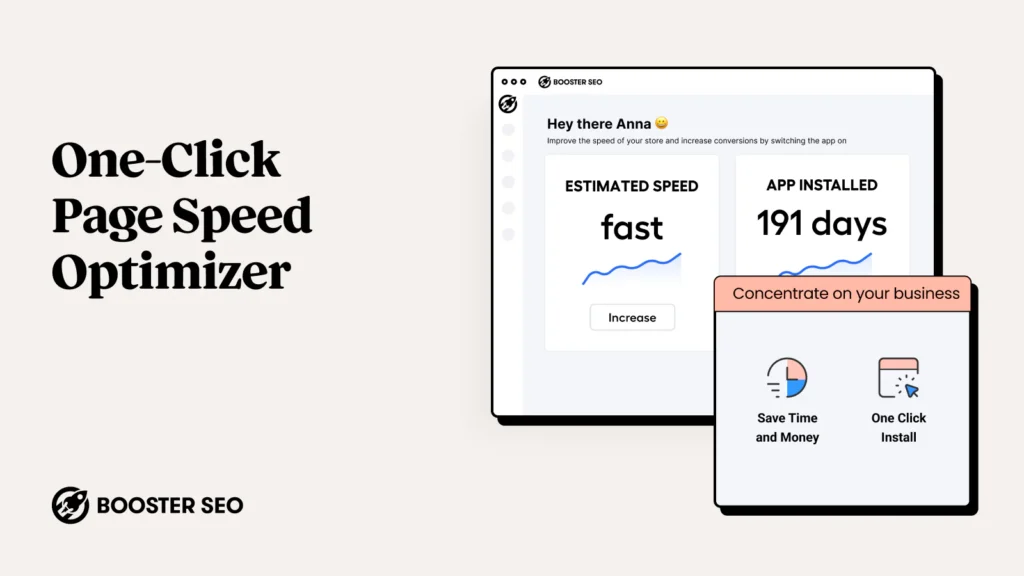
1. Booster: Page Speed Optimizer
If you have been in the Shopify game for more than five minutes, you have heard of Booster. It’s one of the most installed speed apps, and for good reason: it’s incredibly simple.
The Lowdown:
Booster is primarily focused on image optimization. For fashion and beauty brands, this is usually the low-hanging fruit. You upload massive JPEGs, and Booster crushes them down into smaller, web-optimized formats (like WebP) without noticeably sacrificing quality.
It also includes some basic lazy loading features. “Lazy loading” means your site only loads images when the user scrolls down to them, rather than trying to load all 50 product images on a collection page at once.
My Take:
Booster is a great “set it and forget it” foundation. It handles the basics well. However, it’s become a bit more generalized over the years. It’s excellent for compressing your assets, but it doesn’t necessarily change how your theme delivers those assets to the user. It makes the files smaller, but it doesn’t make the browser smarter.
Best For: Beginners or stores that have never done any image compression.
App Store Link: https://apps.shopify.com/page-speed-optimizer
2. Hyperspeed
If Booster is the friendly neighborhood mechanic, Hyperspeed is the specialized performance engineer. This app goes deeper than just squashing images.
The Lowdown:
Hyperspeed tackles some of the thornier technical issues that plague Shopify themes.
- Critical CSS: It identifies the CSS (styling code) needed to paint the “above the fold” content first, making the site appear to load faster.
- JavaScript Deferral: D2C brands love apps-reviews, loyalty programs, chatbots. All those apps add JavaScript bloat that blocks the page from loading. Hyperspeed helps defer these scripts so they don’t slow down the initial view.
- App Weight Management: It helps you identify which third-party apps are slowing you down the most.
My Take:
Hyperspeed is excellent if you feel like your theme is bloated with code you don’t understand. It does a great job of tidying up the technical mess that accumulates over time. It requires a bit more configuration than Booster to get the most out of it, but the results on technical metrics (like Time to First Byte) are usually stronger.
Best For: Stores burdened by too many apps and script bloat.
App Store Link: https://apps.shopify.com/hyperspeed
3. Smart Prefetch (The Game Changer)
Okay, full disclosure: this is my app. But I’m including it here not just because I built it, but because it solves a UX problem that none of the other apps on this list even attempt to solve.
Booster, Hyperspeed, and others are all about optimization-making your existing files smaller or loading them in a better order. They are reactive.
Smart Prefetch is predictive.
The Lowdown:
Imagine a customer is on a collection page, looking at a pair of sneakers. As they move their mouse towards the image (on desktop) or as they scroll and pause over it (on mobile), Smart Prefetch’s AI detects a high intent to click.
Before they actually tap the screen, Smart Prefetch quietly starts loading that product page in the background.
When the user finally does click? The page is already there. It loads instantly. It feels like magic. It eliminates that annoying “network lag” between a click and the new page appearing.
My Take:
We built this specifically for image-heavy D2C stores where users browse through many products. Standard optimization gets you to the starting line; predictive prefetching helps you win the race. It turns a “fast enough” site into an “instant” feeling site.
It doesn’t replace image compression (you still need that); it sits on top of it as the ultimate UX enhancer. Because it’s newer technology in the Shopify space, it gives early adopters a massive competitive advantage in user experience.
Best For: Fashion, apparel, and beauty brands that want an “instant-loading” feel on mobile.
App Store Link: https://apps.shopify.com/smart-prefetch
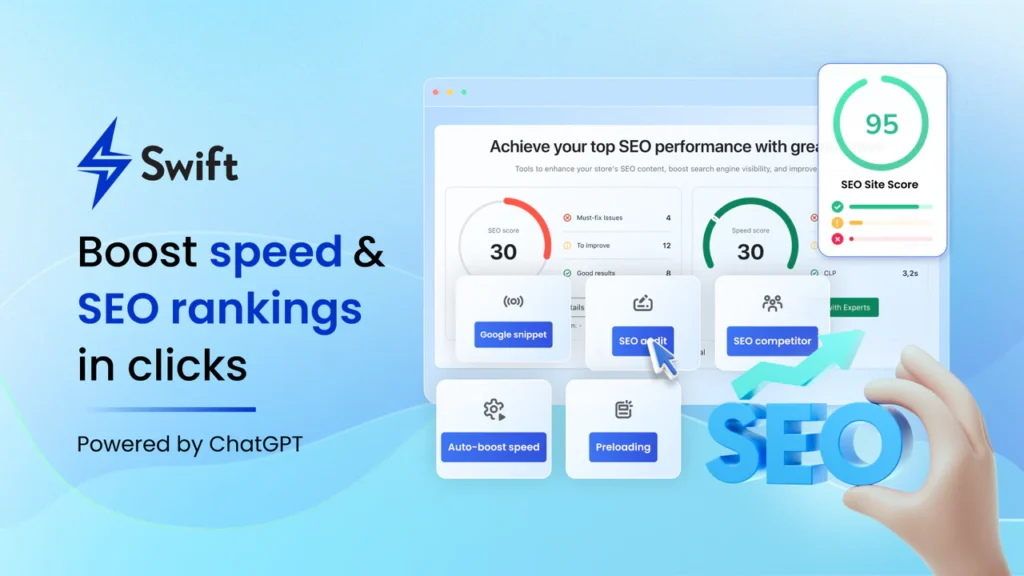
4. Swift SEO & Speed Optimizer
Sometimes you just want one tool that wears multiple hats. Swift tries to bridge the gap between technical speed and SEO requirements.
The Lowdown:
Swift offers a solid suite of speed tools-image compression, lazy loading, and minification of HTML/CSS/JS files. But it pairs this with SEO features like checking your meta tags, alt texts for images, and scanning for broken links.
My Take:
For a smaller team running a D2C brand, juggling separate apps for speed and SEO technical checks can be annoying. Swift is a competent jack-of-all-trades. While its speed features might not be as deep as Hyperspeed’s, and its SEO features aren’t as robust as dedicated SEO apps, having them under one roof is convenient for maintaining general site health.
Best For: Solopreneurs or small teams who want speed and basic SEO hygiene in one dashboard.
App Store Link: https://apps.shopify.com/swift
5. Fastify
Fastify is another solid contender in the “all-in-one speed suite” category, often seen as a direct competitor to Booster and Hyperspeed.
The Lowdown:
Fastify covers the essentials: image optimization, lazy loading, and minifying code. It has a very clean interface and often provides a nice “before and after” comparison of your file sizes so you can see the work it’s doing.
My Take:
I find Fastify to be a reliable, middle-ground option. It’s perhaps slightly more advanced than Booster but maybe less intimidating than Hyperspeed’s deepest settings. It does a good job of handling the “low-hanging fruit” of optimization without much fuss. It’s a very capable tool for ensuring your assets aren’t unnecessarily bloated.
Best For: Merchants who want reliable, standard optimization with a clean user interface.
App Store Link: https://apps.shopify.com/fastify-seo-all-in-one
Comparison Table: At a Glance
Here is a quick breakdown to help you decide which approach fits your current needs.
| App Name | Main Superpower | Best Vibe For… | Pricing Model |
| Booster | Simple Image Compression | “I just want my images smaller without thinking about it.” | Free plan available + Paid tiers |
| Hyperspeed | Technical Code Cleanup | “My theme is bloated with app scripts and needs a deep clean.” | One-time fee (usually) |
| Smart Prefetch | Instant Page Loads (AI Prediction) | “My site is okay, but I want it to feel lightning-fast on mobile clicks.” | Free trial + Monthly subscription |
| Swift SEO & Speed | Speed + Basic SEO Combo | “I want to kill two birds with one stone.” | Free plan available + Paid tiers |
| Fastify | Reliable All-in-One Optimization | “Give me a solid, middle-ground optimizer with a good UI.” | Free plan available + Paid tiers |
Final Thoughts: The “Speed Stack” Approach
If you run a D2C brand in 2025, you cannot afford a slow site. The competition is too high, and attention spans are too short.
Honestly, the best approach isn’t usually just picking one app. It’s about having a “stack.”
You absolutely need a foundational optimizer to compress your images-Booster or Fastify handle this well. If your theme is old and clunky, you might need Hyperspeed to tidy up the code.
But if you want to truly differentiate your UX and give your customers that premium, instant-on feeling that major tech companies have, you need to look beyond just compression.
This is where I genuinely believe Smart Prefetch changes the game. It handles the behavioral side of speed, ensuring that when your customer decides they want to see that new lipstick shade or that sneaker profile, it’s there immediately.
It’s currently in a “cold start” phase, which means we are hungry for feedback and working closely with early users to perfect the prediction models. If you want to give your store an unfair advantage, give it a try.
Speed is a journey, not a destination. Keep testing, keep optimizing, and keep watching that bounce rate drop.
Frequently Asked Questions (FAQ)
Q: Will using multiple speed apps conflict with each other?
A: Generally, yes, they can. You shouldn’t use two apps that try to do the exact same thing (e.g., don’t use Booster and Fastify for lazy loading images). However, you can stack apps that do different things. For example, using Hyperspeed for code deferral and Smart Prefetch for predictive loading works perfectly together because they operate in different areas.
Q: Do I need coding knowledge to use these apps?
A: For the most part, no. Booster, Swift, Fastify, and Smart Prefetch are designed to be “plug and play.” Hyperspeed might require a little more configuration to ensure you aren’t deferring essential scripts, but their support is usually helpful.
Q: Why does my site still feel slow on mobile even after using these apps?
A: Mobile data networks (4G/5G) suffer from “latency”-the time it takes for a signal to travel back and forth. Even with small images, that travel time causes delays. This is exactly why predictive prefetching (like Smart Prefetch) is so vital for mobile-it masks that latency by loading data before the click.
Q: Are these apps expensive?
A: Most offer a free tier or a free trial. Compared to the revenue lost from a 70% bounce rate on paid ads, a monthly subscription for a good speed app is usually one of the highest ROI investments you can make for your store. You can caluclate your ROI using a simple scorecard.
Ready to Speed Things Up?
If you are tired of watching your hard-earned traffic bounce away, it’s time to try a different approach. While optimizing your images is a great first step, I challenge you to go beyond the basics. Give Smart Prefetch a spin on your Shopify/WooCommerce store today. We are offering an extended free trial for early adopters, and I’d love for you to see the difference “instant” makes on your mobile conversion rates.
Have you tried any of the apps on this list, or is there another hidden gem I missed? Drop a comment below-I read every single one and would love to hear what’s working for your brand (or troubleshoot what isn’t!). Let’s get that site flying. 🚀
Leave a Reply
You must be logged in to post a comment.